
Many business owners believe that Search Engine Optimization (SEO) is purely about writing blog posts, finding keywords, and building backlinks. They write detailed content and wait for organic traffic to flood their website.
However, content is only one side of the coin. If Google's search crawlers cannot easily find, read, understand, and index your website, even the most brilliant copywriting will remain invisible on page ten of search results.
This is where Technical SEO comes in. Technical SEO refers to optimizing your website's backend code and infrastructure to help search engine crawlers find and index your content more efficiently. In 2026, Google's algorithms place a high premium on technical integrity and user experience metrics.
This guide provides a comprehensive framework to audit and optimize your website's technical SEO health.
1. Crawlability and Indexing: Open the Door for Google
Search engines use automated bots (crawlers) to scan the internet, jumping from link to link. Your site must make this process as easy as possible.
The robots.txt File
Your robots.txt file (located at your root domain, e.g., yoursite.com/robots.txt) tells search bots which folders and files they are allowed to crawl. Ensure that you are not accidentally blocking critical styling files, scripts, or content pages from being crawled.
XML Sitemaps
An XML sitemap is a roadmap of your website that you submit directly to Google Search Console. It lists all your pages, their last modification dates, and their relative importance. If you add new pages or write new blogs, a dynamically updated XML sitemap ensures Google discovers them instantly.
Canonical Tags
Duplicate content confuses search engines. If you have similar pages (e.g., product filters, tracking URL parameters, or duplicate blog imports), use a rel="canonical" HTML tag in the head of your pages to tell Google: "This is the original, master copy of this page. Focus your ranking power here."
2. Core Web Vitals: The User Experience Scorecard
Google uses Core Web Vitals as direct ranking signals. These metrics measure actual user experience and speed:
- Largest Contentful Paint (LCP): Measures loading performance. To provide a good user experience, LCP should occur within 2.5 seconds of when the page first starts loading.
- Interaction to Next Paint (INP): Measures visual responsiveness. INP assesses the delay between a user interaction (like clicking a button) and the next visual update on the screen. It should be under 200 milliseconds.
- Cumulative Layout Shift (CLS): Measures visual stability. Have you ever been reading an article and the text suddenly jumps because an image loaded late? That is a layout shift. Your CLS score should be under 0.1.
Optimizing Core Web Vitals requires custom development techniques: lazy-loading offscreen images, setting explicit dimensions on images and dynamic frames, and optimizing your server configuration.
3. Semantic HTML Structure: Helping Bots Understand Content
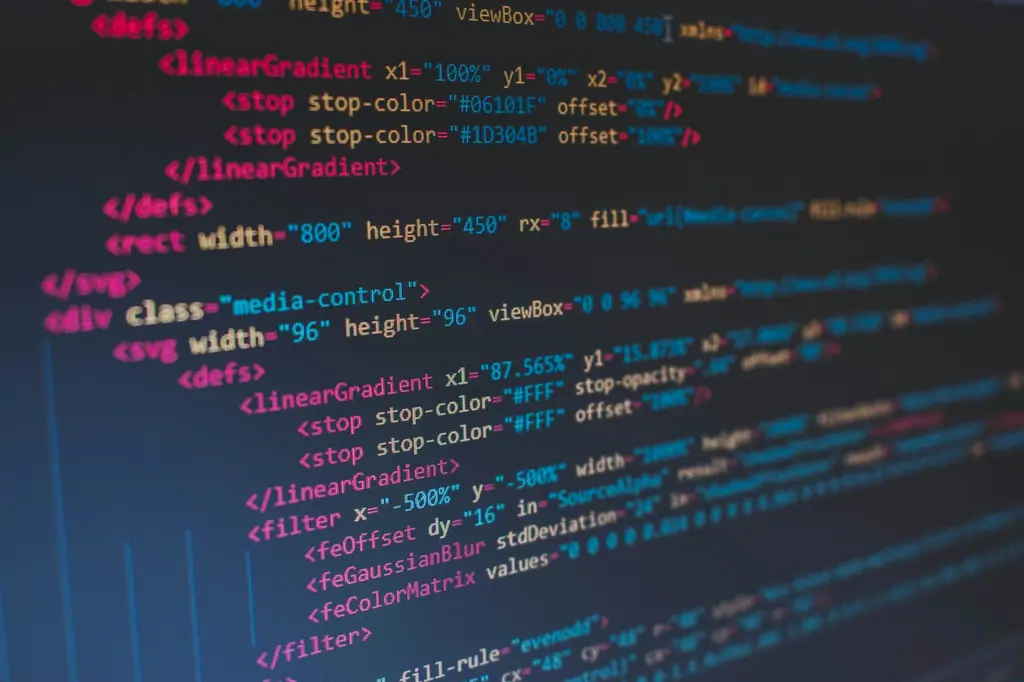
Search engines do not look at a page the way humans do; they read the underlying HTML code. Using proper semantic tags helps Google's algorithm determine what your page is about.
- Heading Hierarchy: Use only one
<h1>tag per page, representing the primary title. Organize subtopics logically using<h2>,<h3>, and<h4>tags. Do not skip heading levels (e.g., jumping from<h1>to<h4>for styling purposes). - Image Alt Attributes: Search bots cannot see images, but they can read their description. Always include descriptive, keyword-relevant
alttext for images. This also improves website accessibility for visually impaired users. - Schema Markup (Structured Data): Schema markup is a standardized code format you add to your pages to help Google understand specific entity types. By using JSON-LD schema, you can tell Google: "This is an Organization, this is a Local Business, and this is a Blog Posting." This allows your site to display rich snippets (like star ratings, event dates, and FAQs) directly in search results.
4. Site Architecture and Internal Linking
A clean, logical site architecture distributes PageRank (ranking authority) throughout your website.
- Flat Architecture: A user (and Google bot) should be able to reach any page on your website in three clicks or fewer from the homepage.
- Logical URL Structures: Use clean, human-readable URLs. Avoid parameters like
yoursite.com/page.php?id=92. Use clean slugs likeyoursite.com/blog/anatomy-brand-identity. - Descriptive Anchor Text: When linking between your pages, use descriptive anchor text instead of generic phrases like "click here." For example, linking to a brand page with the text "our brand strategy services" tells Google exactly what the target page contains.
The Technical SEO Audit Checklist
To audit your website's technical health, run these checks:
1. Verify SSL/HTTPS: Ensure your site redirects all HTTP requests to secure HTTPS. Google flags insecure sites.
2. Check Google Search Console: Monitor GSC daily for indexing errors, crawl issues, or manual actions.
3. Run Lighthouse Audits: Use Chrome Developer Tools to run a Lighthouse audit and inspect your performance, accessibility, and SEO scores.
4. Fix Broken Links (404s): Broken links waste search crawlers' time ("crawl budget"). Use tools like Screaming Frog to find and fix broken links.
5. Mobile Friendliness: Test your pages in Google’s Mobile-Friendly Test tool to ensure layouts scale correctly.
Monitoring: Make the Audit a Habit
A technical audit is a snapshot. To stay healthy, build monitoring into your routine. Connect your site to Google Search Console and check the indexing and Core Web Vitals reports monthly, so that new problems are caught while they are small. After every redesign, migration or major release, re-crawl the site and compare against your last known-good state. Keep an eye on server errors and unexpected drops in indexed pages, which often signal a configuration change that nobody meant to make.
Conclusion
Technical SEO is the engine that drives your organic traffic strategy. You can write outstanding content, but it will only perform if your site is fast, indexable, semantic, and secure. Investing in technical optimization creates a strong foundation that makes all your future content writing and marketing efforts significantly more successful.
At Greydot, technical SEO is baked into our design and development methodology. We write clean, optimized code and deploy structured schemas to ensure our clients' websites rank at the top of search results.
How Greydot Can Help
Greydot is a brand studio in Wakad, Pune. If you would like to put the ideas in this article into practice for your website, our team offers website design and development services in Pune alongside a clear, step-by-step process. Tell us about your project and we will reply within one working day.
Related capability